Manage your queue
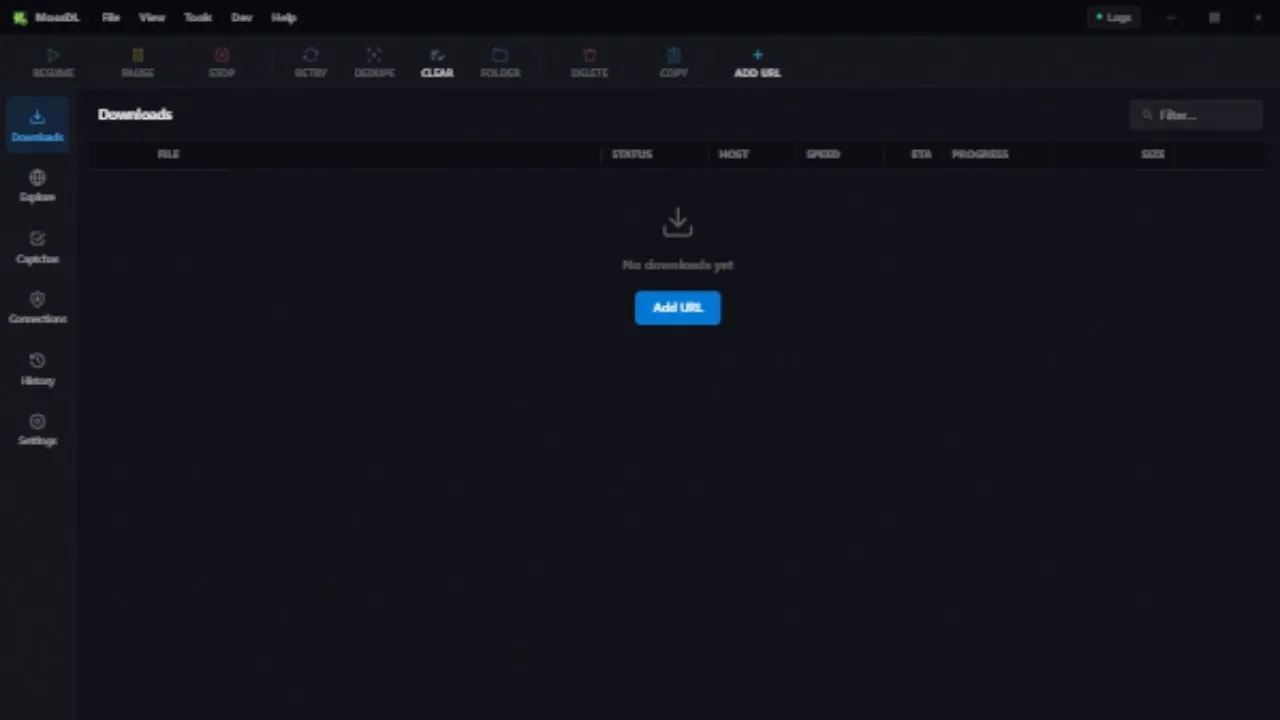
Start, pause, resume, or retry downloads. Keep file status, size, speed, and progress in one view.
 MossDLDownload
A Windows desktop application
Download manager
for Windows.
MossDownloader brings your downloads, links, and file packages into one place.
In development · Public Windows release in preparation
Inside MossDL
What’s included
Start, pause, resume, or retry downloads. Keep file status, size, speed, and progress in one view.
Inspect supported links and choose the files you want before adding them to your downloads.
Keep related files together and manage downloads individually or as a group.
Choose a theme and adjust the interface and download settings to suit how you work.
From a link to your files
Add a direct URL, or use Explore to inspect a supported source. Select the files you need, then manage them from Downloads.
Read the getting-started guide ↗Use Add URL or open the Explore view.
Review the available items before downloading.
Check progress and manage the queue from Downloads.
A public Windows installer has not been published yet. The source code and project activity are available on GitHub. This site will link to an installer once one is published.
No. Direct links and supported sources can be handled, but some sites require authentication or use restrictions that prevent downloading.
MossDL has pause and resume controls. Whether a transfer can continue from its previous position depends on the source server and whether the link is still valid.
Yes. MossDownloader is the full name, MossDL is the short name, and MDL is an abbreviation.
The project
Browse the source, report a problem, or suggest an improvement on GitHub.